
New AI Features in Libby
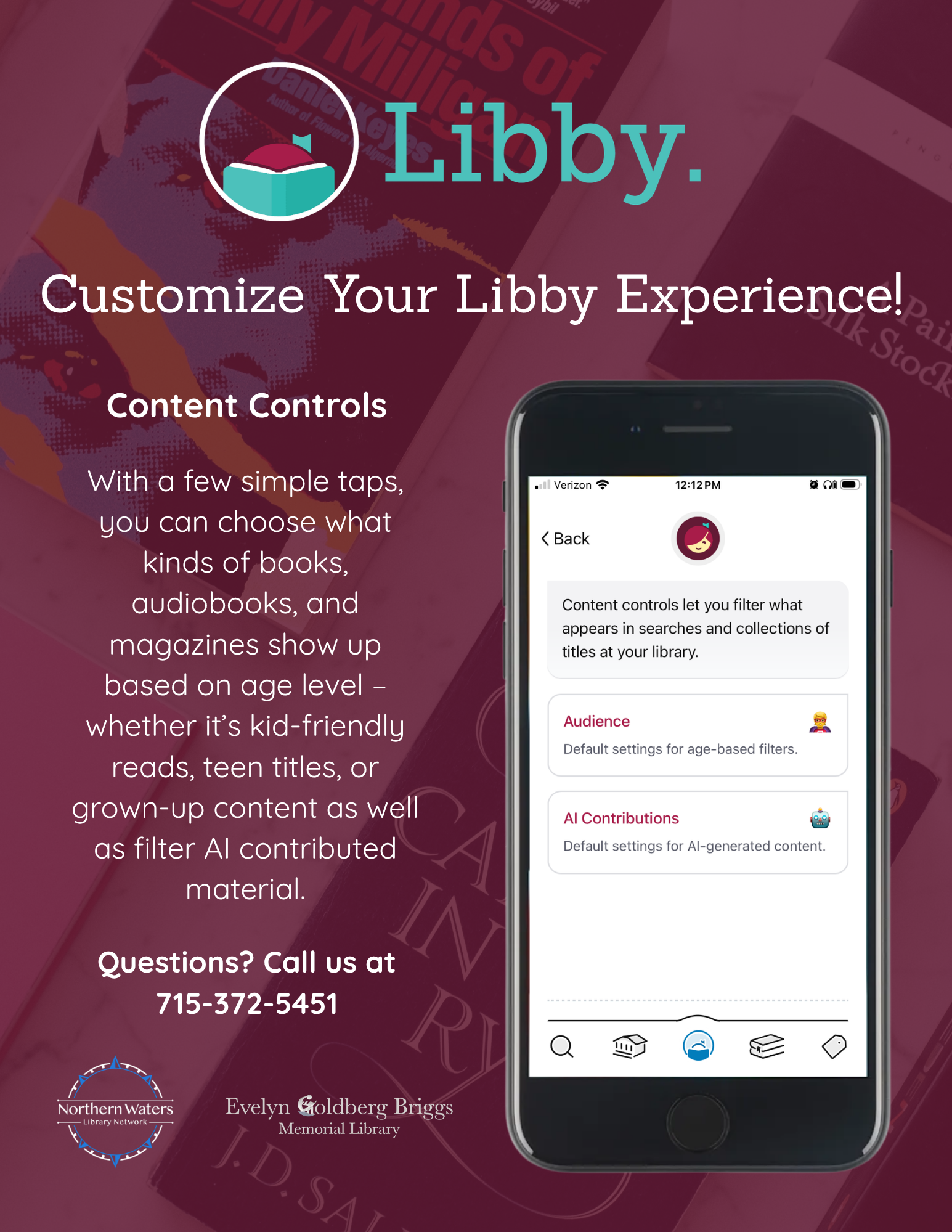
Libby now offers the ability for users to set their preferences for discovering titles that have utilized AI in text, audio, graphics, or translation. This new update is slowly rolling out so if these changes are not appearing for you, reload the app or sign out to allow the app to update.
All material will be labeled regarding how AI contributed as reported by the publisher. Users are also able to report any content they suspect of being AI for review.
To adjust AI content, follow these steps:
On the app, navigate to settings by tapping the circle with the person reading a book at the bottom of your screen. Scroll down to Content Controls.
Select AI contributions. From here, you can determine your preferred level of AI used to write, narrate, illustrate, and translate books across the app. The adjustable AI Content Controls apply to all titles in Libby, whether you’re browsing or searching. For example, if you disallow AI audio in Libby, all AI narrators will be filtered out of search results and library lists.
Finally, make sure Deep Search is turned OFF. The switch will go from teal to gray when it is turned off.
Once you have updated your settings, Libby will hide any AI content that does not fit your preferences across the app. Visit the Libby Help page for full instructions.
With any further questions, please contact us at 715-372-5451.